WordPress for Beginners
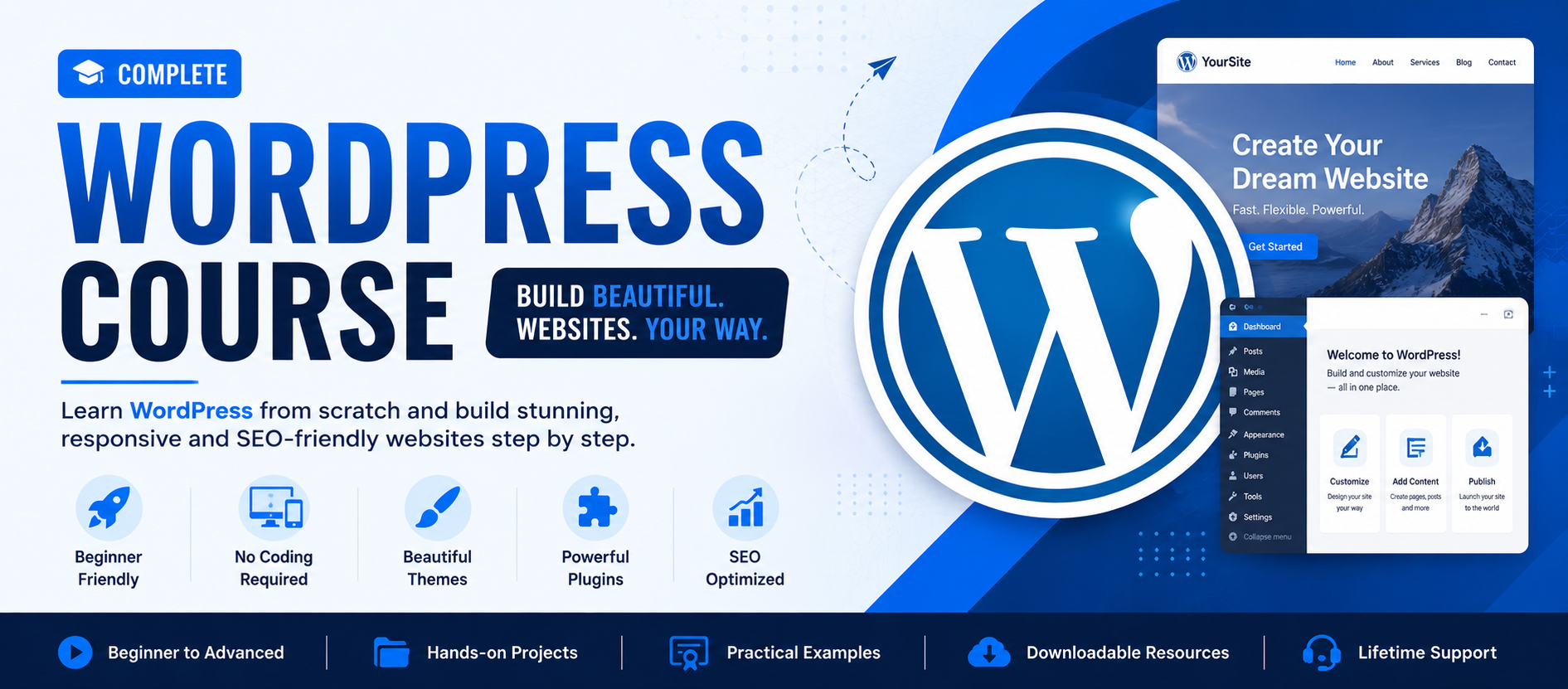
Learn how to build professional websites without coding. Perfect for beginners, business owners, and freelancers.
Course Overview
Learn WordPress step by step with simple explanations and practical website building.
🌐 Website Basics
Understand how websites work, domains, hosting, and WordPress setup.
🎨 Drag & Drop Design
Use Elementor to design professional websites without coding.
💼 Real Websites
Build real business websites, blogs, and landing pages.
Pre-Requisites
You don’t need any technical background for this course.
💡 No coding, no IT knowledge required — just basic computer use.
Course Syllabus
Step-by-step 2 Months structured learning plan
Month 1 — Basics & Setup
Week 1: Website Basics
- ✔ What is a Website?
- ✔ Domain & Hosting Explained
- ✔ Types of Websites
Week 2: WordPress Setup
- ✔ Install WordPress
- ✔ Dashboard Introduction
- ✔ Basic Settings
Week 3: Themes
- ✔ Installing Themes
- ✔ Customization
- ✔ Logo Setup
Week 4: Pages & Menu
- ✔ Create Pages
- ✔ Navigation Menu
- ✔ Homepage Setup
Month 2 — Design & Projects
Week 5: Elementor
- ✔ Drag & Drop Builder
- ✔ Sections & Layouts
- ✔ Buttons & Images
Week 6: Plugins
- ✔ Contact Form
- ✔ SEO Plugin
- ✔ Security Plugin
Week 7: Business Website
- ✔ Full Website Build
- ✔ Services Page
- ✔ Contact Page
Week 8: Freelancing
- ✔ Client Websites
- ✔ Fiverr/Upwork Intro
- ✔ Portfolio Setup